

Access Control Systems
Electronic entry systems that help manage authorized access to designated doors and areas.

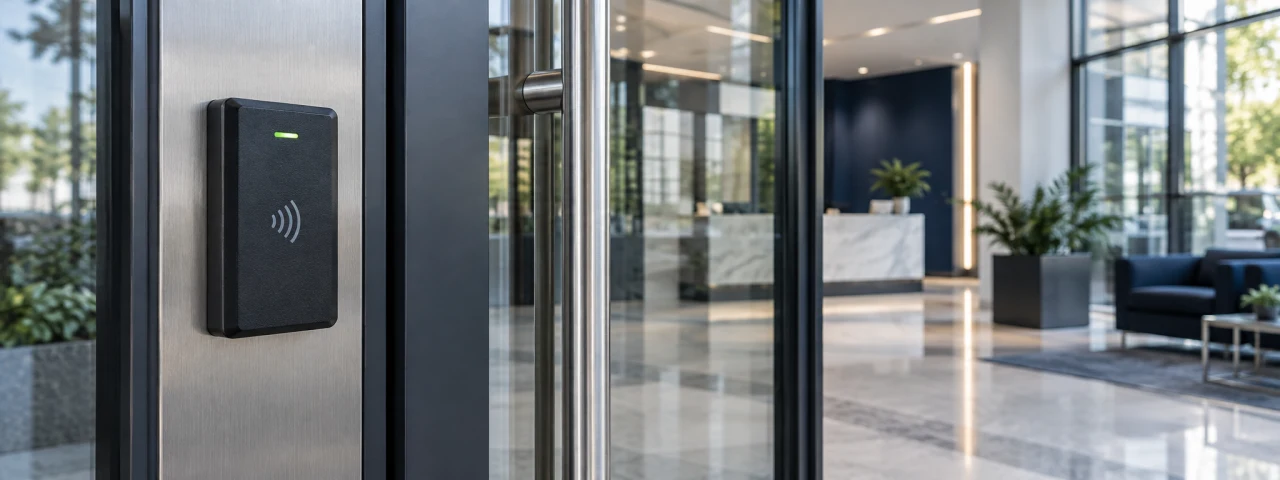
Access Control Systems
Access control helps a property team put its entry decisions into practice. TFS can install and configure electronic entry equipment for designated doors so authorized people can reach the areas they need, under the permissions and schedules established by management.
The property need
Employee changes, tenant turnover and different operating hours make entry management more complex than handing out a key. A suitable system needs to work with the actual door and hardware, and its administration needs a clear owner. We review both the controlled opening and the way people use it.
What TFS can provide
- Review designated doors, existing hardware, users and the entry arrangements management wants to establish.
- Provide compatible readers, cards or fobs and associated control hardware within the agreed design.
- Configure supported access groups and schedules according to the client’s instructions.
- Coordinate installation with door hardware, network and relevant building-system specialists as needed.
- Test authorized and denied entry and normal door operation, then explain routine credential administration.
Coverage and customization
Start with a limited number of openings or plan a coordinated approach across a building or portfolio. Discuss staff, tenant and contractor needs separately. Existing equipment compatibility, supported features and any software or subscription requirements should be reviewed before selecting an approach.
Communication and follow through
Agree on who authorizes access changes and who adds or removes users. Document the openings and functions tested, and communicate unresolved hardware issues. Changes affecting exit operation require appropriate specialist coordination. Where ROUT is included, service work can be tracked without placing passwords in routine work notes.
Discuss your needs
Tell us which doors or areas need control, the approximate user groups, current hardware and any special operating schedules.
This opens a draft in your own email program with your selected service filled in. Nothing is sent until you send it yourself.