

Surveillance Camera Systems
Camera installation and configuration to help property teams view activity at agreed locations and review recorded footage.

Surveillance Camera Systems
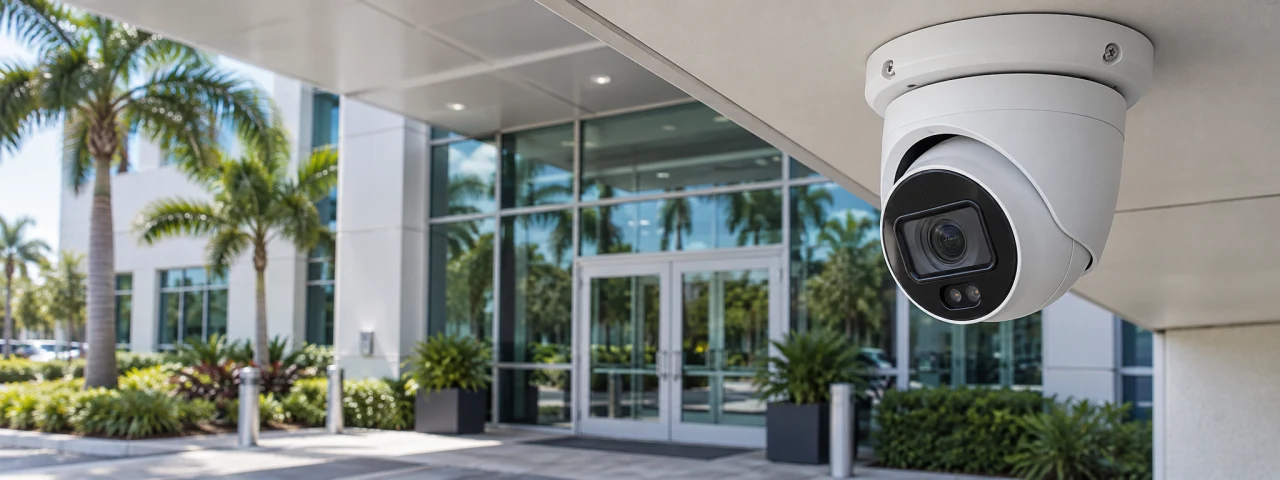
Camera coverage is useful when it shows the activity the property team actually needs to see. TFS can plan, install and configure surveillance cameras and recording options around agreed entrances, common areas and other designated locations, with viewing access limited to the people you authorize.
The property need
An image on a screen does not by itself answer a manager’s questions. Poor viewing angles, changing light, obstructed views or unclear recording arrangements can leave important activity difficult to review. We begin by discussing what needs to be visible, when it matters and how your team will use the footage.
What TFS can provide
- Review the intended viewing areas, camera positions and lighting conditions with the property team.
- Select camera and recording options suited to the agreed coverage, environment and retention needs.
- Coordinate mounting, connections and network requirements with the appropriate property and IT contacts.
- Configure authorized viewing, device labels and recording settings supported by the chosen system.
- Check agreed views, recording and playback at handover and identify any remaining coverage limitations.
Coverage and customization
Plan a focused installation or a phased rollout across several locations. Coverage, recording duration, remote viewing and user permissions depend on the selected equipment, available storage, connectivity and your policies. Camera placement and privacy-sensitive areas are agreed before work begins.
Communication and follow through
Review the finished views with your designated contact and explain normal viewing and playback. Document settings and outstanding items within the agreed handover. Where ROUT is included, installation requests and follow-up service needs can be recorded there.
Discuss your needs
Share the property type, areas you want to view, existing system if known and the recording or viewing needs you want addressed.
This opens a draft in your own email program with your selected service filled in. Nothing is sent until you send it yourself.