

Troubleshooting & Repairs
Diagnosis and corrective support for camera, access-control, and video-entry equipment that is not operating as expected.

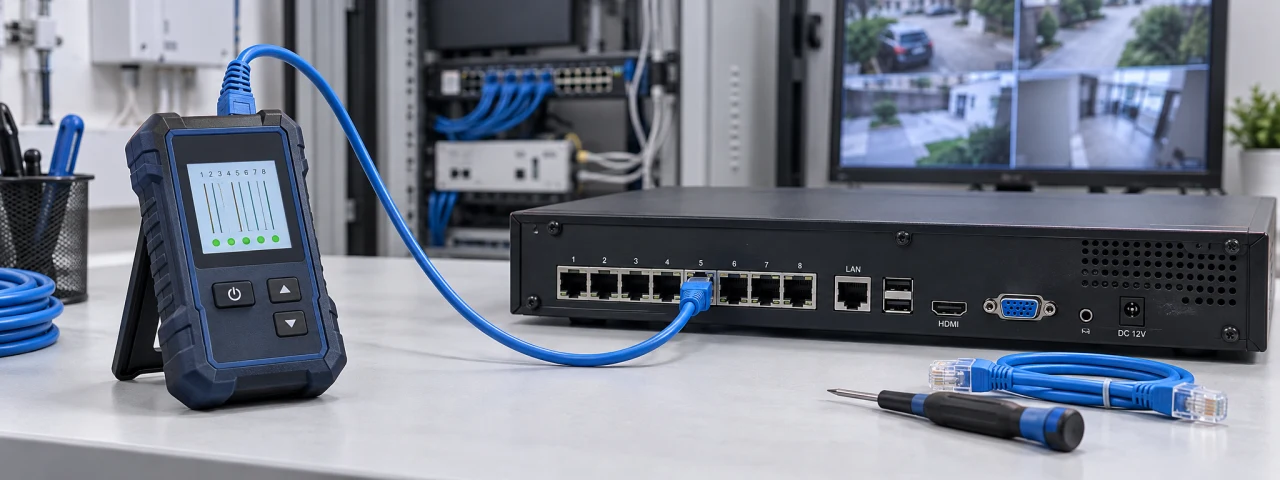
Troubleshooting & Repairs
When a camera view disappears, a reader stops responding or an intercom call fails, management needs a clear diagnosis and a practical next step. TFS can investigate reported security-equipment faults and coordinate corrective work appropriate to the system and agreed assignment.
The property need
The visible symptom may have several causes. A device problem can involve its power, connection, configuration or supporting equipment. Replacing parts without identifying the cause can leave the same issue unresolved. We start with what failed, when it began and what changed before the problem appeared.
What TFS can provide
- Record the reported symptom, affected devices and whether the problem is constant or intermittent.
- Check relevant power, connections and configuration within the authorized scope.
- Coordinate network-related findings with the client’s IT team and specialist equipment issues with the appropriate provider.
- Explain repair or replacement options and obtain approval for work beyond the initial assignment.
- Test the affected function after corrective work and document any fault that remains unresolved.
Coverage and customization
Arrange a focused service call or discuss support across multiple properties. Timing depends on the reported impact, site access, equipment and available parts. Remote checks may be appropriate when supported and authorized; some faults require an on-site visit or manufacturer assistance.
Communication and follow through
Keep the designated contact informed of findings, approvals and the next step. Confirm the observed result rather than treating a temporary return to service as proof that an intermittent fault is resolved. Where ROUT is included, diagnosis, corrective action and outstanding items can be recorded in the work order.
Discuss your needs
Identify the affected location and equipment, describe the symptom and when it started, and provide a contact for authorized access. Do not include passwords in the inquiry.
This opens a draft in your own email program with your selected service filled in. Nothing is sent until you send it yourself.